Control Center
What Is It?
iOS 18 introduced customizable Control Center controls. Time Memos includes a dedicated control that lets you capture a time memo with a single tap, pre-configure an emoji and label for quick logging, optionally include your current location, and choose from your recent emojis when configuring.
Adding the Control
Open Control Center
Swipe down from the top-right corner of your screen.
Enter edit mode
Long-press on any empty area, or tap the + button in the top-left corner.
Add the Time Memos control
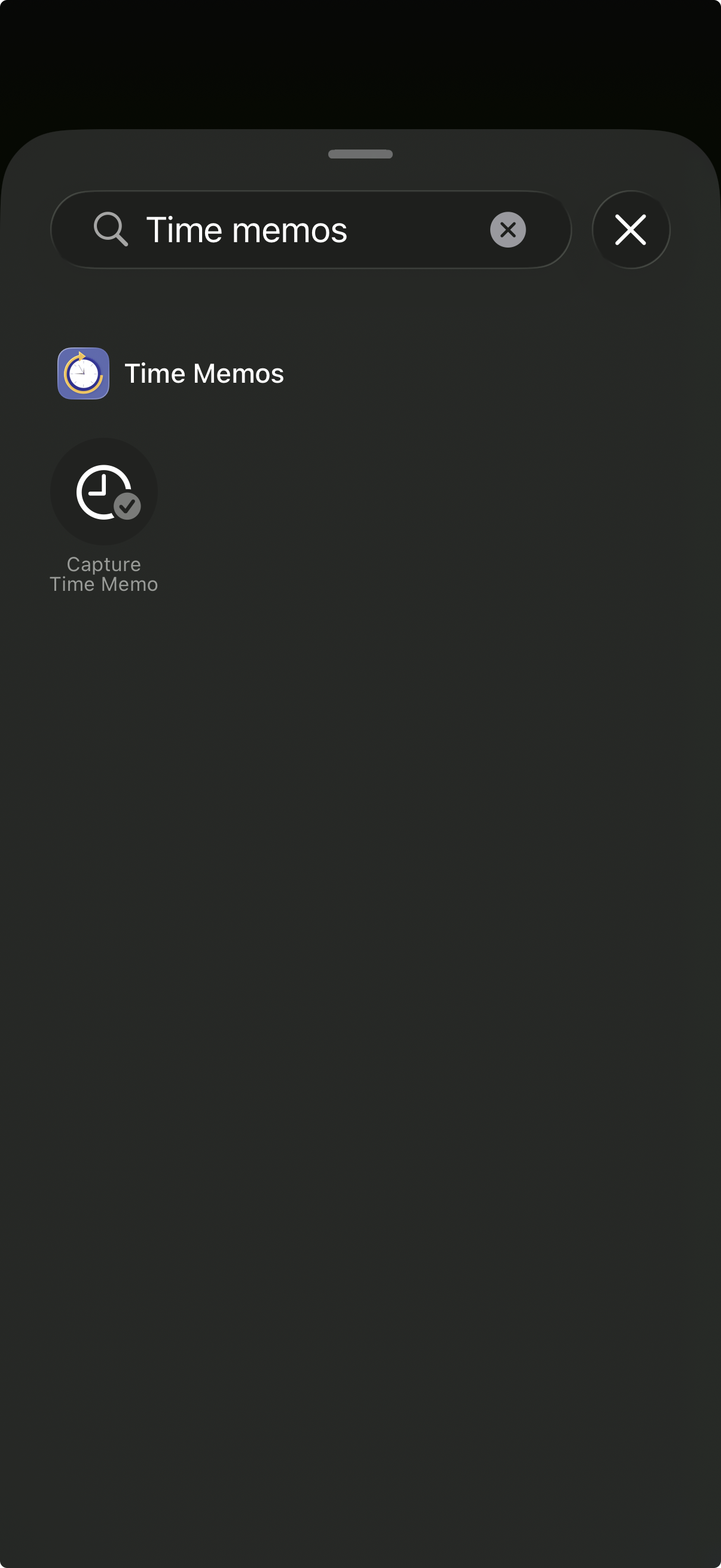
Tap Add a Control at the bottom, search for "Time Memos" or scroll to find it, then tap to add.
Position and resize
Drag the control to your preferred location. You can also resize it by dragging the corner handle.
Configuring the Control
Customize what happens when you tap the control by configuring its options. Long-press on the Control Center, then tap on the Time Memos control.
Configuration Options
Icon
Choose from dozens of SF Symbols to customize how the control looks in Control Center. Pick something that matches your use case.
Emoji
Select an emoji to automatically attach to every memo created from this control. Your recent emojis appear as suggestions with their descriptions.
Title
Set a default label text. You can also include an emoji in the title - it will be extracted automatically.
Include Location
Toggle whether to attach your current location to memos created from Control Center.
Using the Control
Once configured, using the control is simple:
- Swipe down to open Control Center
- Tap the Time Memos control
- A new memo is instantly created with your configured emoji, label, and location
That's it! No unlock required, no app to open. The memo syncs via iCloud and appears in your Time Memos list immediately.
Multiple Controls
You can add multiple Time Memos controls to Control Center, each configured differently. For example:
- Work: Pre-configured with a briefcase emoji and "Work" label
- Exercise: Pre-configured with a running emoji and location enabled
- Quick capture: No preset - just captures a timestamp
Tips
Requirements
- iOS 18 or later
- Time Memos app installed
- Location permission (if using the Include Location option)
Ready to try it?
Time Memos will be available on the App Store soon.