Exporting Data
Export Formats
Text Format
Human-readable plaintext, perfect for sharing or printing.
- Organized by date
- Shows emoji, label, and time
- Optional end time and duration
- Optional note text
- Optional location names
- Optional time elapsed between memos
JSON Format
Structured data for analysis or importing into other tools.
- ISO 8601 timestamps (start and end)
- Duration in seconds and formatted string
- Extended note field
- Geographic coordinates
- Perfect for spreadsheets or scripts
How to Export
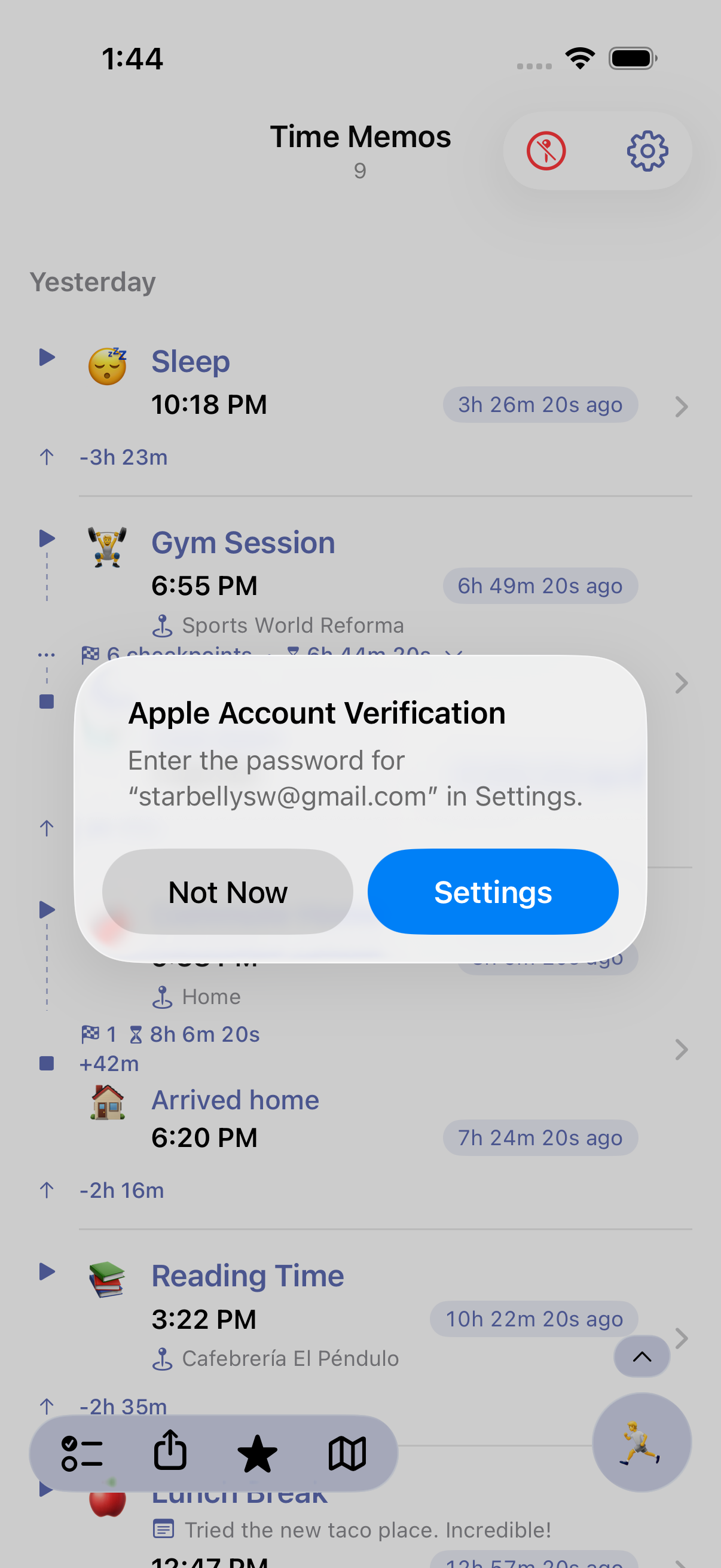
Open the share menu
Tap the share button in the top toolbar of the memo list.
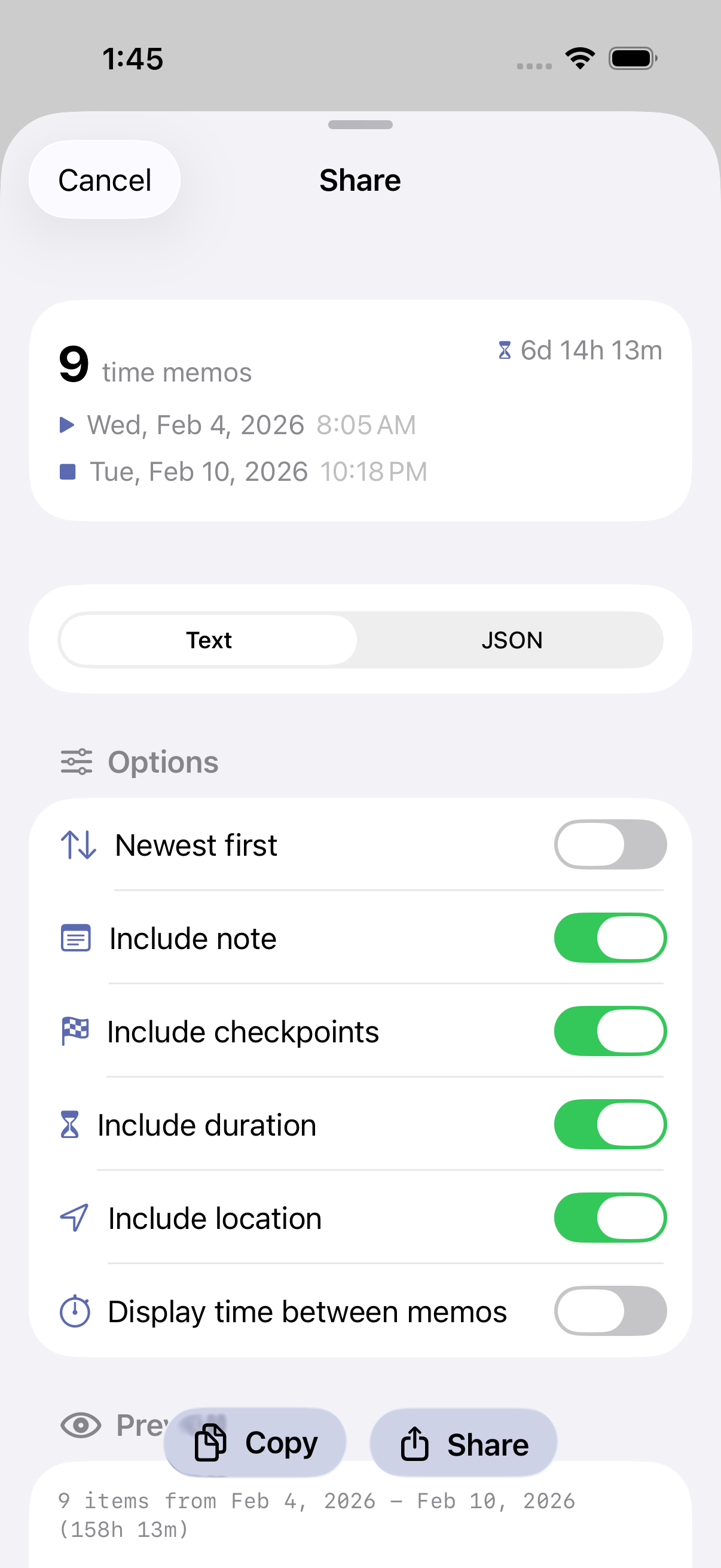
Configure export options
Choose your preferences: - Format: Text or JSON - Include end time: Show end time for activities with duration - Include duration: Show calculated duration for activities - Include note: Include extended note text - Include location: Add place names to entries - Include time elapsed: Show duration between consecutive memos - Sort order: Newest first or oldest first
Preview and share
Review the preview, then tap Share to send via AirDrop, Messages, Email, save to Files, or any other sharing destination.
Export with Filters
When you have a filter active, exports only include the filtered memos. This lets you export specific subsets of your data:
- Export all memos with a specific emoji (e.g., all 💼 work entries)
- Export memos containing specific text
- Export memos with or without location data
Example Exports
Text Format Example
Time Memos Export
January 15, 2026 - January 17, 2026
Total time span: 2 days, 3 hours
3 memos

---

January 17, 2026

☀️ Woke up
  8:15 AM
  San Francisco, CA

💼 Work session
  Client meeting and code review
  9:02 AM → 5:30 PM (8h 28m)
  +47 minutes
  Downtown Office

🏠 Commute home
  5:45 PM → 6:20 PM (35m)
  +15 minutes
JSON Format Example
{
  "exportedAt": "2026-01-17T18:30:00Z",
  "count": 3,
  "start": "2026-01-15T08:15:00Z",
  "end": "2026-01-17T17:45:00Z",
  "timeSpan": "2d 9h",
  "items": [
    {
      "emoji": "💼",
      "label": "Work session",
      "note": "Client meeting and code review",
      "time": "2026-01-17T09:02:00Z",
      "endTime": "2026-01-17T17:30:00Z",
      "durationSeconds": 30480,
      "durationFormatted": "8h 28m",
      "location": {
        "text": "Downtown Office",
        "lat": 37.7849,
        "lon": -122.4094
      }
    }
  ]
}
Use Cases
Billing & Invoicing
Export client-filtered memos to calculate billable hours. The time elapsed feature shows session durations automatically.
Health Records
Export medication or symptom logs to share with healthcare providers. Text format is easy to print or email.
Data Analysis
Use JSON exports with spreadsheets, scripts, or data tools to analyze patterns in your time tracking data.
Backup
Periodically export all your memos as JSON for a local backup of your time tracking history.
Legal Proceedings
Timestamped records with location data can serve as documentation in legal matters, custody arrangements, or dispute resolution.
Tips
Save your preferences
Your export options are saved between sessions. Set them once and use quick share (long-press) for consistent exports.
Use filters for focused exports
Apply emoji or text filters before exporting to get exactly the data you need without manual editing.
Include time elapsed for duration tracking
When tracking sessions (work, study, etc.), enable "Include time elapsed" to see how long each session lasted.
Automate exports with Shortcuts
Use the Format Time Memos action in Apple Shortcuts to build automated export workflows.
Ready to try it?
Time Memos will be available on the App Store soon.